Privacy & Digital Hygiene
Digital Security, Privacy and Hygiene
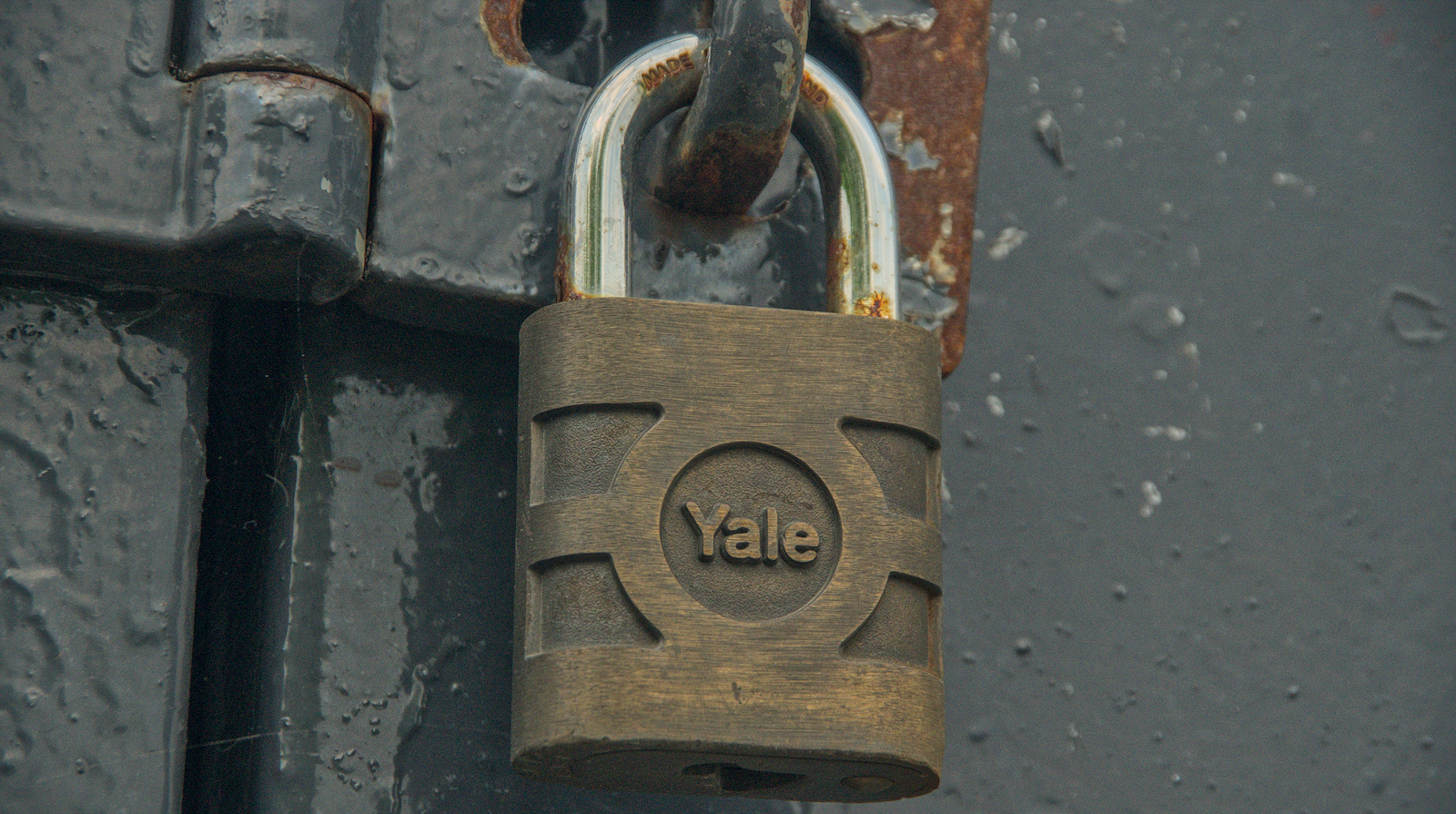
Most people do not think much about digital hygiene until something breaks. Security feels like a background process, quietly humming away until it suddenly becomes the whole problem. Yet the habits that protect our data are not so different from the ones that protect our health: small, routine, and usually invisible when they are working.
Understanding Multi-Factor Authentication (MFA)
When you sign in here, you can add extra checks beyond your password. These may include:
- Something you know – your password
- Something you have – a time-based one-time password (OTP) from an app such as Aegis, Authy, FreeOTP, Bitwarden or 1Password
- Something you are – where supported, a biometric check used by your own device to unlock access to the app, device or stored credential
The important point is layering. If your password were stolen, an attacker would still need the second factor. If your authenticator app or password manager is protected by your phone, passcode or biometrics, they would also need access to that device. It is not magic, obviously. It is just making the attack boringly difficult, which is the closest security gets to poetry.
An OTP is usually a six-digit code that changes every 30 seconds. Your phone and the server share a secret key, and both generate the same number at the same time. No SMS, no lookup, no message being sent across the network each time; just maths and time doing their quiet little dance.
[[PHOTO: laptop and phone on a wooden desk, phone showing 2FA code]]
End-to-End Encryption (PGP / GPG)
Email is still a weak link for privacy. This site supports PGP/GPG encryption for anyone who adds a public key to their profile. When you send a message, the system can encrypt it automatically. Only the matching private key on your device can open it.
Think of it as sealing a note inside a locked box before handing it over. The postal workers can see the box, but not what is inside. It takes one setup step, then protects the contents silently after that. Which is far better than trusting everyone in the delivery chain to be noble, competent, awake and unbreached. A touching fantasy, but still a fantasy.
[[PHOTO: small safe box half-open, warm light inside symbolising confidentiality]]
Password Managers: Tools, Not Crutches
Remembering one or two strong passwords is possible. Remembering fifty is not a moral challenge; it is bad system design being dumped into your skull. Password managers such as KeePass, Bitwarden or 1Password store and encrypt your credentials in a vault protected by a single master password, ideally a long passphrase you can actually remember.
If you sync that vault through a cloud service, the contents should remain unreadable without your key, even if the provider has a bad day. Password managers also make it easier to use unique passwords everywhere, which matters more than pretending you can rotate dozens of passwords manually like some kind of cyber monk with no laundry.
Strong, Pronounceable Passwords
Good passwords do not need to look like static noise. Human memory works through rhythm, sound and association, so a phrase like melon-vortex-silent-shore can be both stronger and easier to remember than a short mess of symbols. The logic behind this was captured neatly in xkcd #936: “Password Strength”. Length and unpredictability beat forced punctuation every time.
A couple of personal tricks can help. Add an = sign somewhere unexpected, or drop in a familiar maths operator such as +, ÷ or √. Engineers and scientists are often good at recalling formulae, so turning a passphrase into something gently algebraic can make it stick. Avoid real-life references, though. If a stranger could guess it by reading your social profile, start over. Your dog’s name is not a security strategy. It is barely a secret.
[[PHOTO: vintage slide rule or engineering notebook beside a modern keyboard]]
Passwords as Self-Training Aphorisms
Rotating passwords can also double as quiet self-training. A passphrase can carry a useful reminder as well as a key. Something like keep-breathing-deeply-2025! is not just access control; it is a small instruction that appears at the moment you type it.
Used carefully, this becomes a private mantra system: change the phrase when the lesson changes, keep it long, keep it non-obvious, and never reuse it across important accounts. Security and self-direction do not have to be enemies. They can share a hallway, provided nobody leaves the keys under the mat like a sitcom burglar wrote the policy.
Digital Hygiene and Message Expiry
The longer a message exists, the more chances it has to betray you. Apps such as Signal and WhatsApp support disappearing messages. Use them where appropriate. Not everything deserves to live forever in a chat archive, email thread or cloud backup. Some conversations are useful in the moment and a liability later.
There have been many public examples of old messages, images and videos resurfacing long after their original context has vanished. Some were foolish, some private, some misunderstood, and some simply kept for no good reason. The common problem is persistence: material that should have expired remained available for later damage.
Deletion is not paranoia. It is hygiene. Set sensible retention periods. Use expiring links for sensitive files. Clear old emails that no longer need to exist. Do not preserve every scrap of your digital life as if future historians are desperate to reconstruct your group chats. They are not. And if they are, that is worse.
Ephemerality is healthy. It keeps data lighter, minds calmer, and inevitable breaches smaller.
In Closing
Security is not a lifestyle. It is a set of small habits that work best when you stop noticing them. Enable MFA. Use a password manager. Encrypt when it matters. Be cautious with links, tokens and shared access. Treat your digital footprint like your kitchen: keep it tidy, throw out old stuff, and do not leave anything valuable sitting on the counter.
None of this makes you invulnerable. That is not the point. The point is to make ordinary mistakes less damaging, make opportunistic attacks less likely to succeed, and keep private material from hanging around longer than it needs to. A little routine care beats heroic cleanup after the door has already been kicked in.